
Product – AI, M365 Copilot, UX/UI
The new Microsoft 365 Copilot mobile experience
How we redesigned the Microsoft 365 Copilot mobile app to create a workspace built around conversation, dialogue, and discovery.
– The estimated reading time is 6 min.
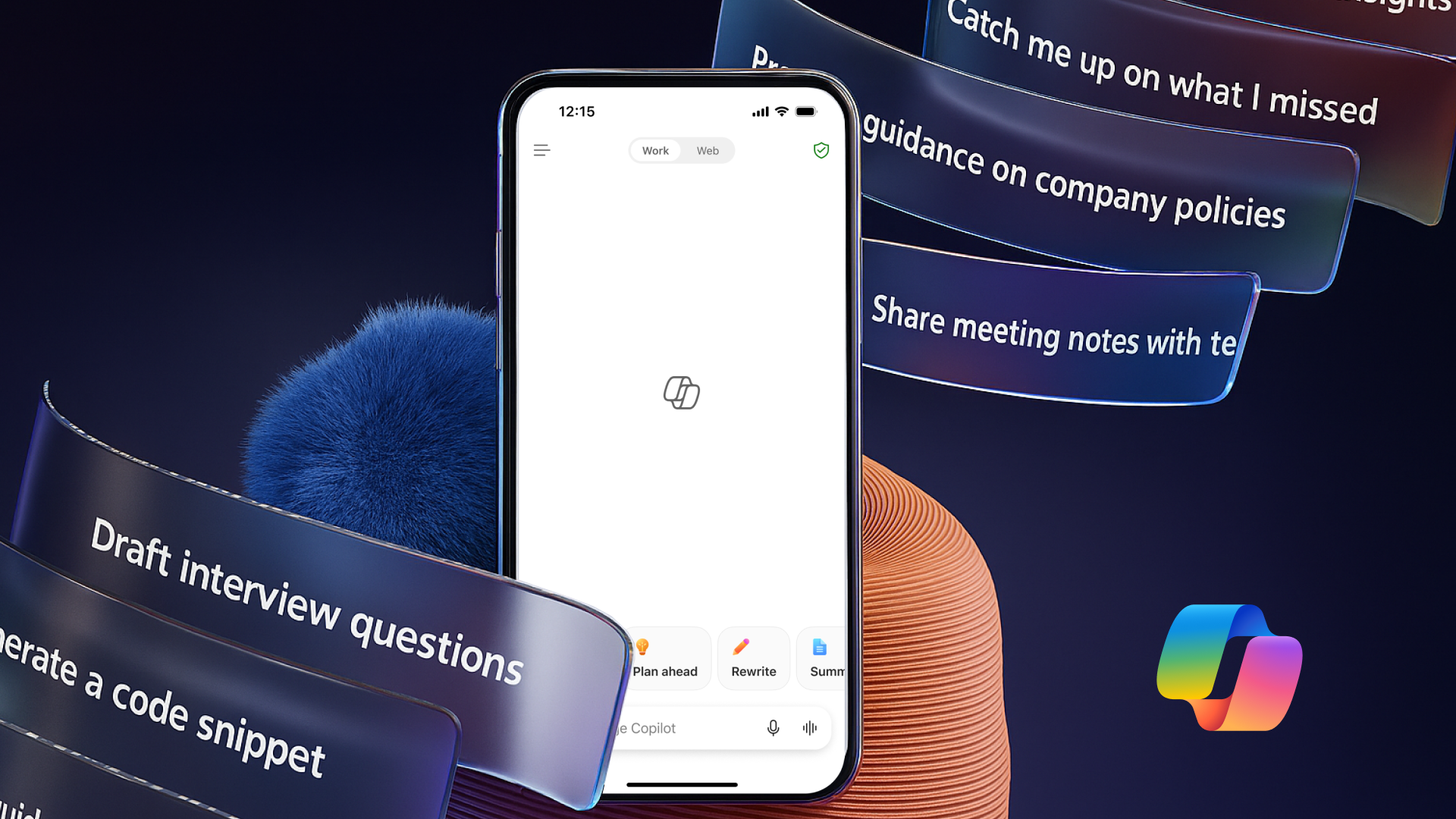
Conversation is the first architecture humans ever designed, two voices leaning toward each other, shaping meaning out of air. It is the oldest interface we have. Despite decades of screens and swipes, conversation inherently influences how we think, learn, dream, and make choices. That’s why we redesigned the Microsoft 365 Copilot mobile app into a chat-first experience. Far from just mirroring the desktop version, this approach is about honoring conversation as the primary way that people interact and get work done within the app.
Designing for dialogue means recognizing the difficulty of working from a phone while the world tugs at your attention—cars zoom by, a baby cries, a text dings—everything happening all at once, refusing to stand still. That calls for new architecture and capabilities, such as three key features we recently launched: the Dynamic Action Button (DAB), a step toward a more generative, context-aware, entry point, the hamburger menu that orients without disrupting flow, and Real Time Voice, which preserves dialogue when typing isn’t ideal. Together, they turn conversation itself into the workspace.
The dynamic action button (DAB)
The Dynamic Action Button (DAB) is one of our first major steps toward a generative UI pattern. Within Copilot, it’s an interface that doesn’t wait to be used but reshapes itself in response to a person’s behavior, offering guidance that feels less like a button and more like a companion gesture.
As an early example of UI that can adapt in the moment, DAB replaces the traditional ribbon entry point with a floating, omnipresent control that travels consistently across Word, Excel, PowerPoint, and PDF files, reducing cognitive load and helping Copilot feel like part of the canvas rather than an add-on. DAB’s creation was guided by four core design principles: coherency across content, minimal cognitive load, contextual intelligence, and progressive disclosure.
Creating coherency across content led to making DAB a single unified entry point to Copilot, no matter where you are in M365. People build fluency through repetition, especially on mobile, where attention is scarce. Adapting the same UX patterns and interaction models throughout the app builds fluency and reduces demand on working memory. As you know, productivity on mobile can be like going through a Rube Goldberg machine. Every task is a series of acrobatic thumb taps through menus, toolbars, and micro-detours. When people are in flow, they just want the system to work. Established patterns widen their focus and expand what feels possible.
When the system feels predictable, how DAB expands, collapses, and offers guidance, naturally becomes intuitive. What it shows people is contextual intelligence tailored to what they’re working on, but what makes this effective is progressive discourse: when and how much DAB shows them. When a person engages with DAB, it offers just a few context – aware prompts and conversational shortcuts that anticipate a person’s intent, but people are still in control with the option to write their own prompts.
A new previewer slips open documents, presentations, and spreadsheets, offering summaries, insights, and other contextual cues through the DAB interface, all without taking up too much screen space. It’s this quiet orchestration that carries forward into the next layer of the experience: navigation.
Flow & focus: the hamburger menu
The new hamburger menu and conversational interface create a calm center around Copilot conversations. At a glance, the direct navigation answers the following questions: Where am I? Where can I go? What will I find there? In our chat-first experience, the interface fades out, and dialogue between human and Copilot fades in. The menu quietly scaffolds that conversation to ground the experience. It consolidates the main modules Chat, Agents, Search, Library, Notebooks, and Create into a hub, clearing space so you can stay focused.
In earlier paradigms, menus were maps or paths leading people toward their tools. Now the hamburger menu becomes contextual memory, a place to orient, not to wander. It’s providing structure without noise and nurturing exploration through the natural rhythm of communication. It also provides a scalable foundation for evolving the Copilot experience, which we do continuously. But on mobile, depending on environment, mode, and preferred form of input, typing your thoughts may not be as dimensional as speaking them into existence.
Iterating on ideas with Real-Time Voice
Real-Time Voice is a new feature that shifts engagement from typed commands to natural, conversational speech. With Copilot as a thought partner, real-time voice and continuous recognition transform interaction into dialogue. In conversation, ideas unfold aloud, helping people articulate, refine, and rediscover their own thinking —understanding deepens, insights emerge, and new ideas take shape.
As that conversation increasingly happens between people and AI, our north star is to ensure AI augments human thought and imagination. Technology for technology’s sake is an act of vanity. It’s only when we’re able to map those amazing capabilities to deep human needs that we can craft experiences that are meaningful, delightful, and accessible— meeting people where they’re at, in the flow of their work. And when it comes to meeting people where they’re at, mobile is a uniquely powerful platform for empowering people and organizations alike, wherever they are in the world.
Look for the new navigation feature in the Microsoft 365 Copilot mobile app coming this December.
Read more
To stay in the know with Microsoft Design, follow us on Twitter and Instagram, or join our Windows or Office Insider program. And if you are interested in working with us at Microsoft, head over to aka.ms/DesignCareers.

Design isn’t dying. It’s shifting left.
When the model is the new medium, shaping how it behaves in humanistic ways is design
From incubation to impact: Microsoft 365 Companion apps
How scrappy prototypes became polished apps—shipped on the taskbar, grounded in Fluent, and refined by research.
When AI joins the team: Three principles for responsible agent design
A practical guide to build agents that stay differentiated, intent-aligned, and bias-resistant