


The art of playing a supporting role
How character, motion, and expression help people stay oriented and in control
– The estimated reading time is 9 min.
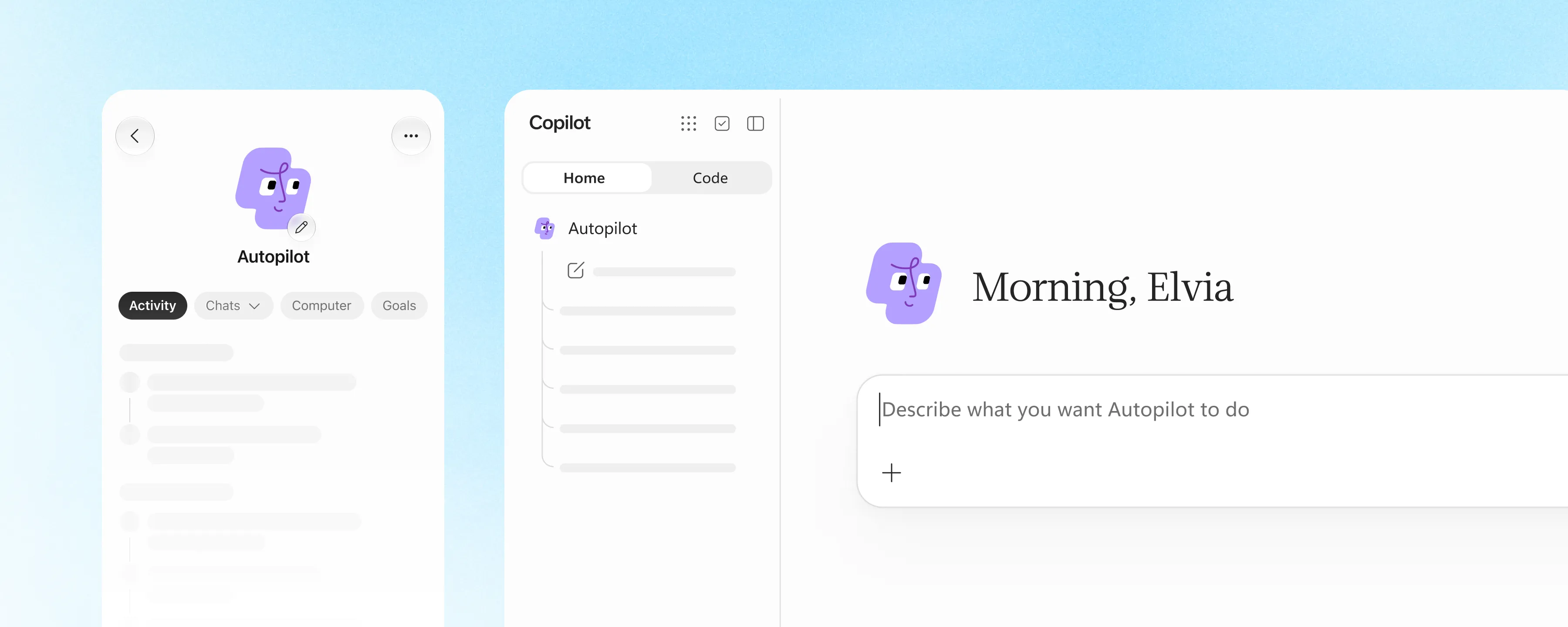
On September 25, we introduced Autopilot, an AI agent that knows your work and moves it forward.
Designing Autopilot meant thinking deeply about the role character design and animation can play in our interactions with AI. How should AI look, move, and behave? What should the expressions and motion communicate? And most importantly, how can these decisions help people understand and direct what AI does on their behalf?
As we explored these questions, we kept coming back to an idea: the people using our products are the main characters, not Autopilot.
“The story comes from the character”
When I first started writing and directing at Walt Disney Animation Studios, one of my favorite directors said something that has stuck with me: “Jeff, the story comes from the character.”
The more I wrote, the more I understood what they meant.
Think about Elsa in Frozen. Her fears, struggles, powers, and ultimately her transformation drive the narrative. You could never drop Ariel into that same story and expect it to work.
Every aspect of Elsa’s design and performance reinforces her journey. The restraint in her movements and the confident, sweeping gesture of her hand that suggest her internal transformation (Let It Go, anyone?). These aren’t just beautiful moments of animation. They’re expressions of who Elsa is and how she’s changing.
For years, this was how I approached character storytelling. Whether working on films like Frozen, Zootopia, and Moana, or writing and directing my own films at Disney, we spent most of our time understanding our characters—their wants, needs, flaws, and how they arc over the course of the film. We could craft every performance, sometimes down to a single frame of animation (24 frames in one second), to serve that journey.
When the story isn’t scripted
But what happens when we are no longer telling a single character’s story?
Unlike an animated film, interactions with AI don’t follow a script. We can’t anticipate every question, challenge, or situation. Every person arrives with their own intentions, ideas, goals, and ambitions. They are the ones directing where the interaction goes.
In animation, we craft characters and performances to move a story forward. With AI, we’re applying those same principles of design and performance to infinite, open-ended storylines.
The AI isn’t the protagonist here. Its role is to help the person take the lead.
The art of the sidekick
That philosophy is embedded in the name Copilot. The user is in the pilot’s seat while the AI works alongside them, helping them create, explore, and solve problems.
Think of iconic sidekick characters like Jiminy Cricket, Olaf, Timon and Pumbaa, or Genie. They have their own personalities, humor, and charm, but ultimately help the protagonist along their journey. Their role is often to support the hero at the most critical moments in the journey.
There’s a lesson in that relationship—even if an AI agent isn’t a sidekick in the traditional sense. It doesn’t need its own ambitions or journey. Its value comes from what it helps someone else accomplish.
That’s the opportunity with embodied AI: using visual identity, expression, and behavior to make the technology more useful and understandable. Helping people recognize what AI is doing, what it can do, and when they need to take the lead.
Its value comes from what it helps someone else accomplish.
From character design to interface design
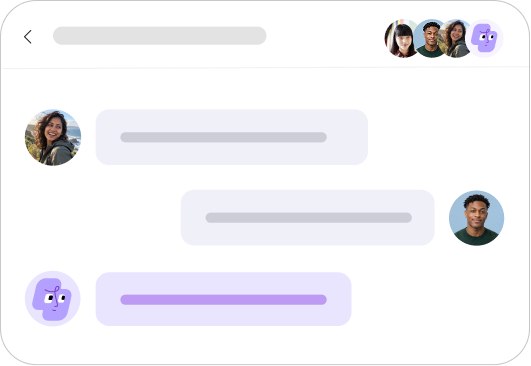
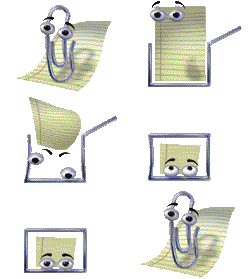
There’s precedent for this at Microsoft. Characters have been part of our history for more than 30 years. From Microsoft Bob and Rover to Merlin, Clippy, and more recently Mico, we’ve explored how familiar forms, movement, and expressions can make technology easier to interact with and understand.
When these elements become part of an interface, they need to do more than entertain. They need to communicate something useful.
Autopilot’s movement draws from animation principles, like timing and anticipation, but it serves a different purpose. In an animated film, a gesture might tell us what a character is feeling. With Autopilot, it might help someone understand what the AI is doing, what it’s preparing to do, or when something hasn’t gone as expected.
Subtle movements can indicate progress, acknowledge input, or communicate an error. These details become increasingly important as AI takes on more responsibility and acts on our behalf.
In the context of an interface, more animation isn’t necessarily better. An Autopilot shouldn’t compete for attention, celebrate every little action, or interrupt just to remind you it’s there… we’ve been down that road before (R.I.P. Clippy). Sometimes a subtle acknowledgment is enough. Other times, the right decision is to step aside.
Beyond a single character
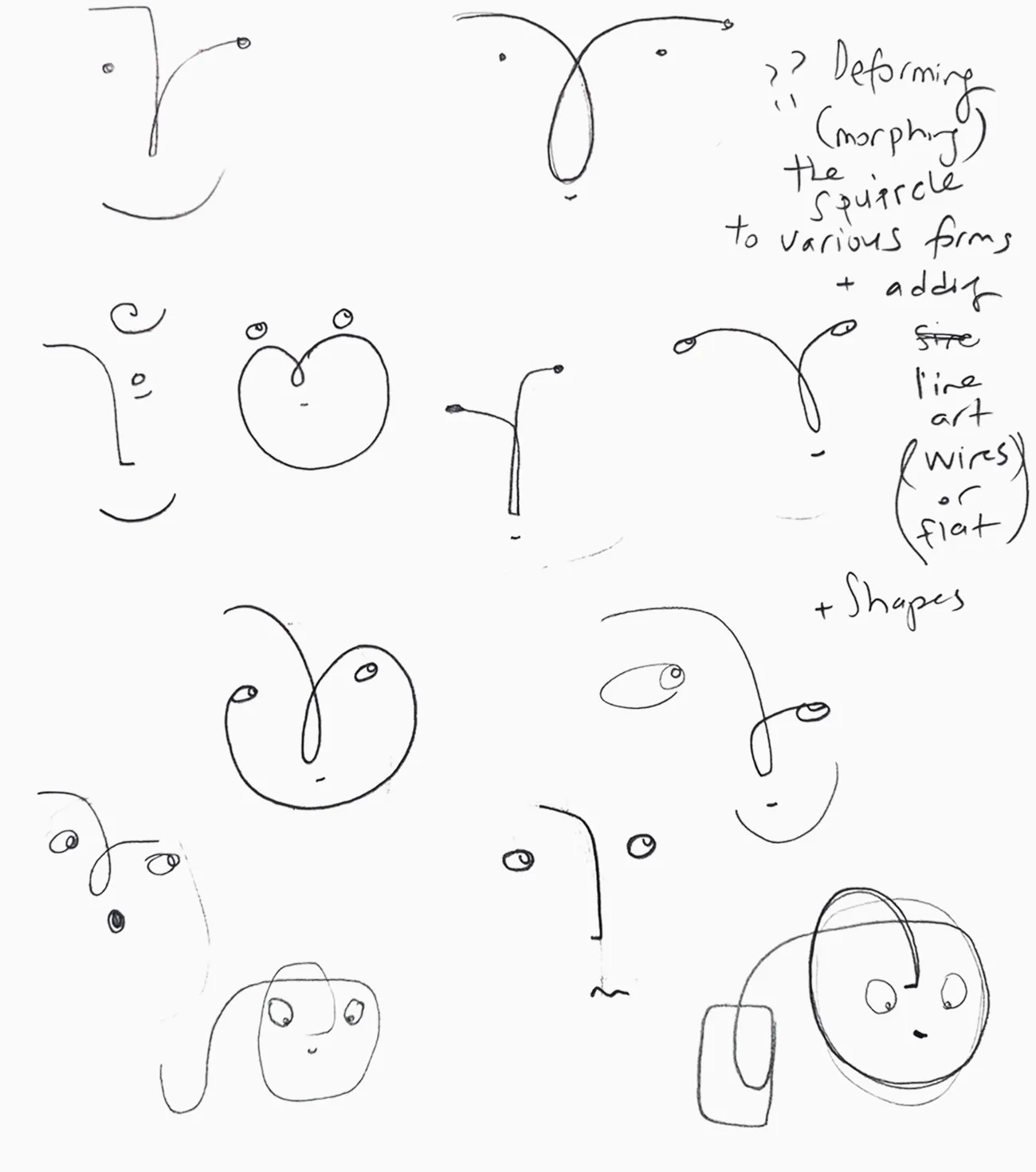
As we explored what Autopilot could become, we also started thinking beyond a single, defined character. AI can take on so many roles for so many people, and do things we’re only beginning to imagine. Trying to contain all of that within one finite character or body felt limiting, and in some ways, it didn’t feel like an honest representation of what the technology could become.
We wanted a visual language as flexible as the technology itself. Something that could take on different forms and expressions without being tied to any one embodiment.
A line.

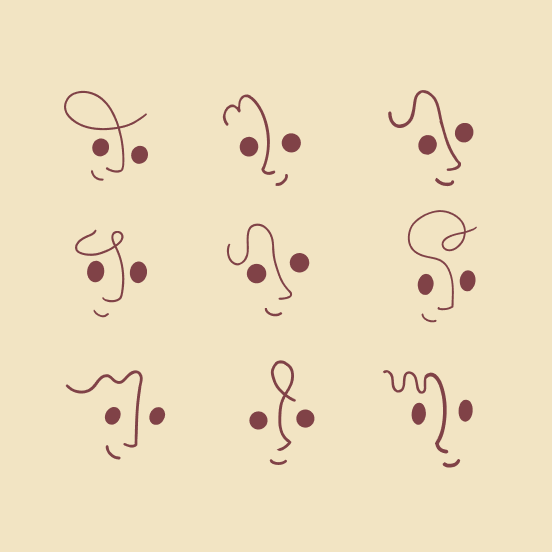
So much of creativity starts with a line—a sketch, a stroke to form a letter, a cursor. It’s something simple that can become almost anything. And a line is less constrained than a traditional character’s body. It can bend, stretch, transform, and react. A change in its shape or timing can completely change how it feels.
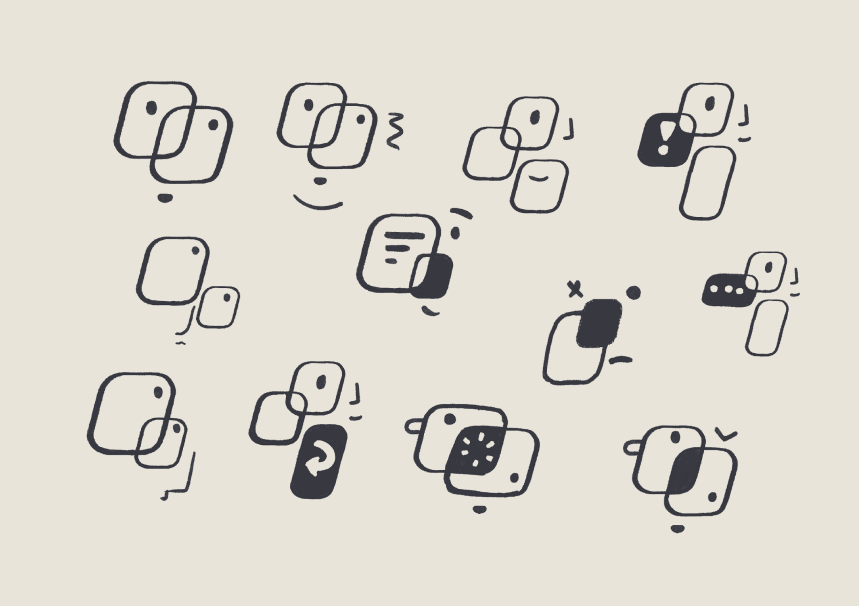
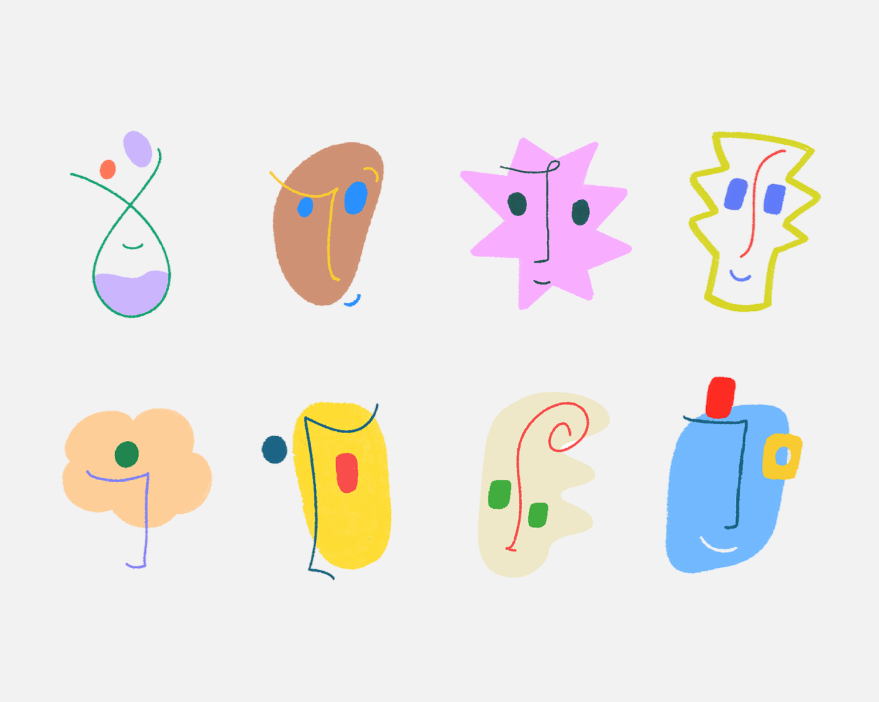
Working with illustrator Chi Michalski and our team, we explored how this idea could become the foundation of a larger visual language for AI at Microsoft. How a line could communicate through motion, transform between expressions, and carry those qualities across very different experiences and uses.
We wanted a visual language as flexible as the technology itself.
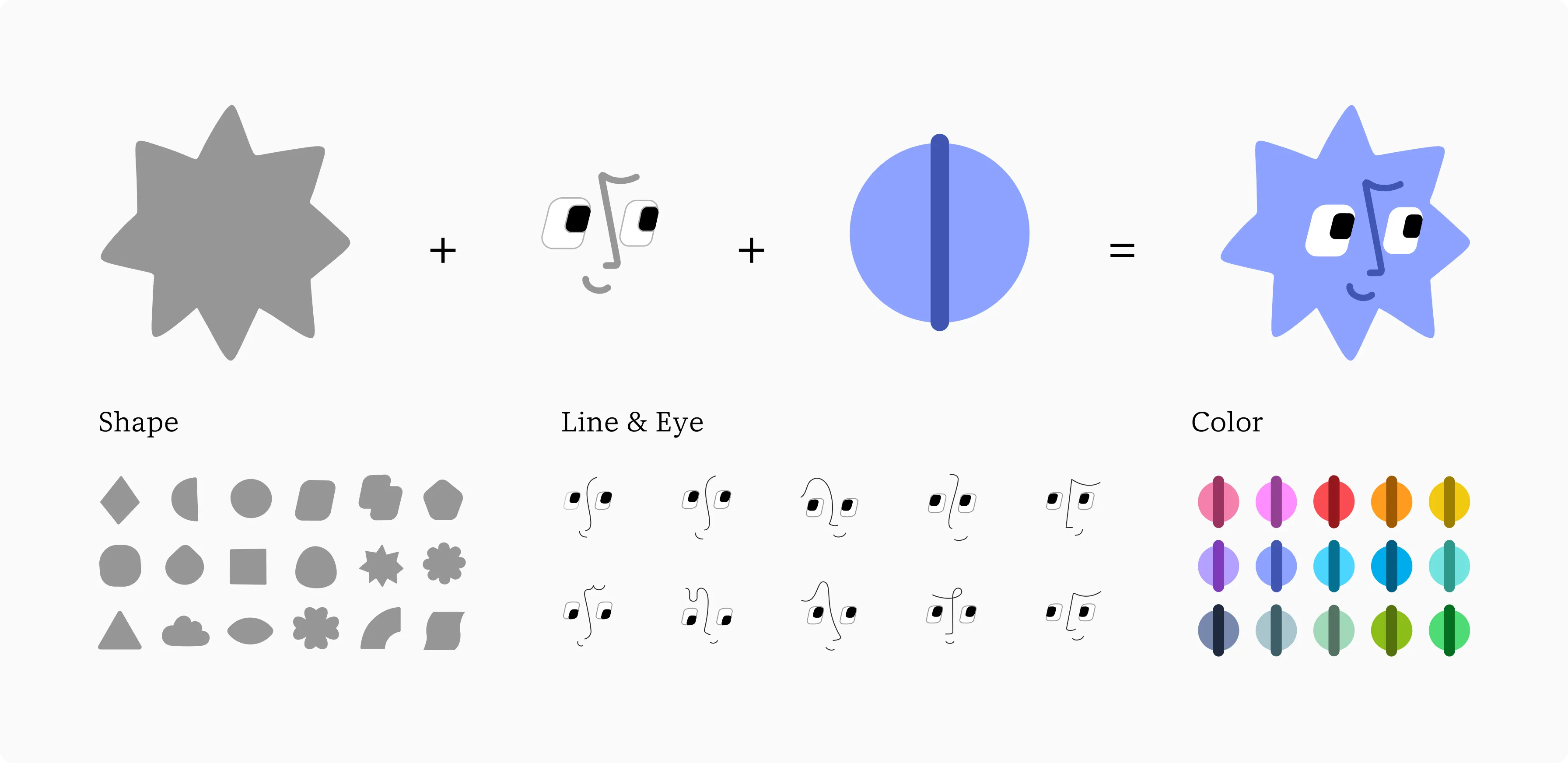
That doesn’t mean Autopilot won’t take on familiar forms. As humans, we’re naturally drawn to recognizable patterns—we see faces in clouds and recognize expressions in the world around us.
We wanted Autopilot to embrace that instinct, using recognizable forms to help people identify and understand an Autopilot, recognize its behavior, and interpret its state; not to imply that it possesses feelings, relationships, or a sense of self.
At the same time, we didn’t want any single character to define what AI looks like across Copilot. We wanted a family of characters.
The line connects them, creating a shared visual language across embodiments, products, and experiences while leaving room for forms we haven’t imagined yet. To me, that’s a more truthful way to represent a technology whose possibilities are still unfolding.
A language of expression
Bringing that visual language to life meant rethinking how we animate. In a film, we can refine every gesture until it feels right. With Autopilot, we’re designing a language of expression that can respond to situations we can’t predict.
The expressive line is one part of that system. It can transform into simple illustrations of what the AI is doing (thinking, searching, reading an email, or sending a message), giving people an immediate visual indication of its activity.
Motion is another. How quickly Autopilot responds, how it transitions between states, animations, and how much energy it brings to a moment can communicate what’s happening without words.
These aren’t simply opportunities to give Autopilot personality. They’re functional design decisions. The goal is to create a consistent language people can learn to recognize and understand, no matter where or how they’re interacting with AI.

From personality and charm to behavior and transparency
In film, we want audiences to believe in a character and become emotionally invested in the story. With Autopilot, the challenge is different. We want people to understand the technology they’re interacting with and feel confident directing what it does.
An Autopilot shouldn’t exaggerate AI’s capabilities or make incredibly powerful technology feel like a toy. Its appearance and behavior should help people understand what the AI can and can’t do, what it’s doing on their behalf, and when they need to step in.
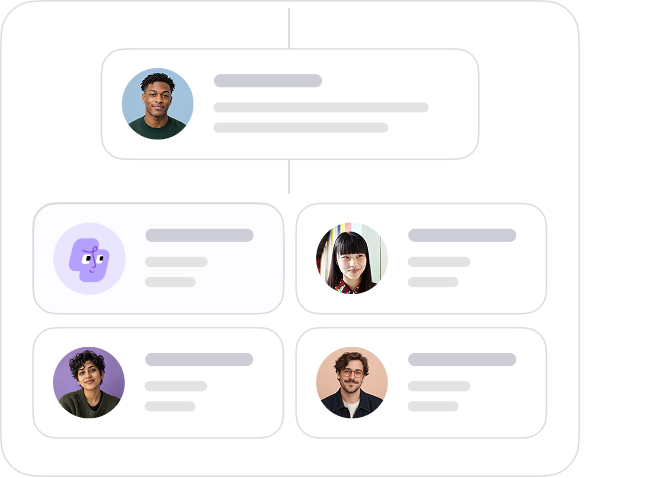
For Autopilot, this matters in everyday work. It lives in Teams, Outlook, and Copilot, alongside your calendar, your inbox, and the people you work with. If an AI is acting on your behalf in those places, you should be able to see right away what it is, what it’s up to, and how to change it.
Picture a Tuesday morning. Your Autopilot moved three 1:1s to Friday. It checked with each person before moving anything, and it left one decision for you to make. Its distinct shape and AI label mean you won’t confuse it with a coworker, and you’re one click from the settings that control how much it does on its own. Its expression makes it approachable, but it’s the behavior (checking before it acts, showing its work, and keeping you in control) that earns your trust. Its clear identity helps you understand what it’s doing and makes it easy to guide and steer.
The story still comes from the character. But this time, the main character is you.
What makes Autopilot successful isn’t how expressive it is, but how clearly it helps you understand, guide, and get things done.
I’ve spent much of my career bringing characters to life through stories that could make people laugh, feel something, or recognize themselves in someone else’s journey.
I’ve come to understand that story advice a little differently now.
The story still comes from the character. But this time, the main character is you.